Find your dance videos by song.
An iOS app by Eileen Ho · BiBi Builds
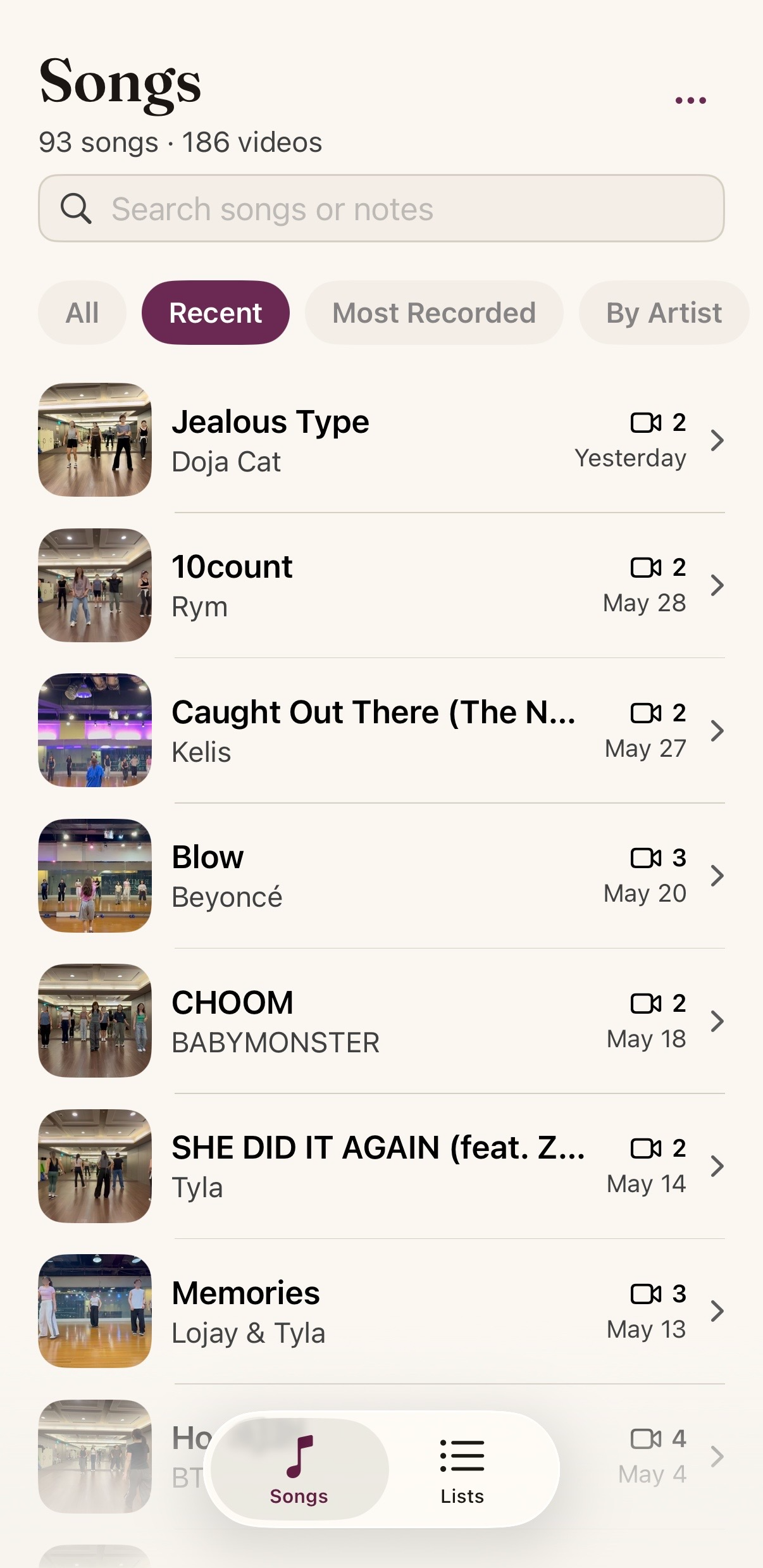
ShazamKit scans every video on-device and groups them by song. Easily search your own library for dances or performances by song. Create custom lists and add notes for future reference.

AT A GLANCE
Reelshelf is an iOS app by Eileen Ho (BiBi Builds) that uses on-device ShazamKit to identify the music in every video in your library and shelve them by song. Built for dancers and performers who want to find videos by song rather than scrolling through dates and thumbnails. Everything is processed on your phone and nothing is uploaded. Launched June 2026 for iPhone. Free to try with a one-time Pro upgrade for full-library access and custom lists.
THE STORY
Finding a specific dance video was very time consuming.
A few months ago, my friend's daughter said she wanted to learn the dance to KPop Demon Hunter's “Golden.” “I learned that song before!” I said, and pulled out my phone so that I could show her. Unfortunately, it had been a few weeks since I danced that song, and my phone was already full of other dance videos. It took a lot of guessing and checking before I could find the right video to show her, and in the end I had to look back at my calendar to find the exact date I had taken this dance class.
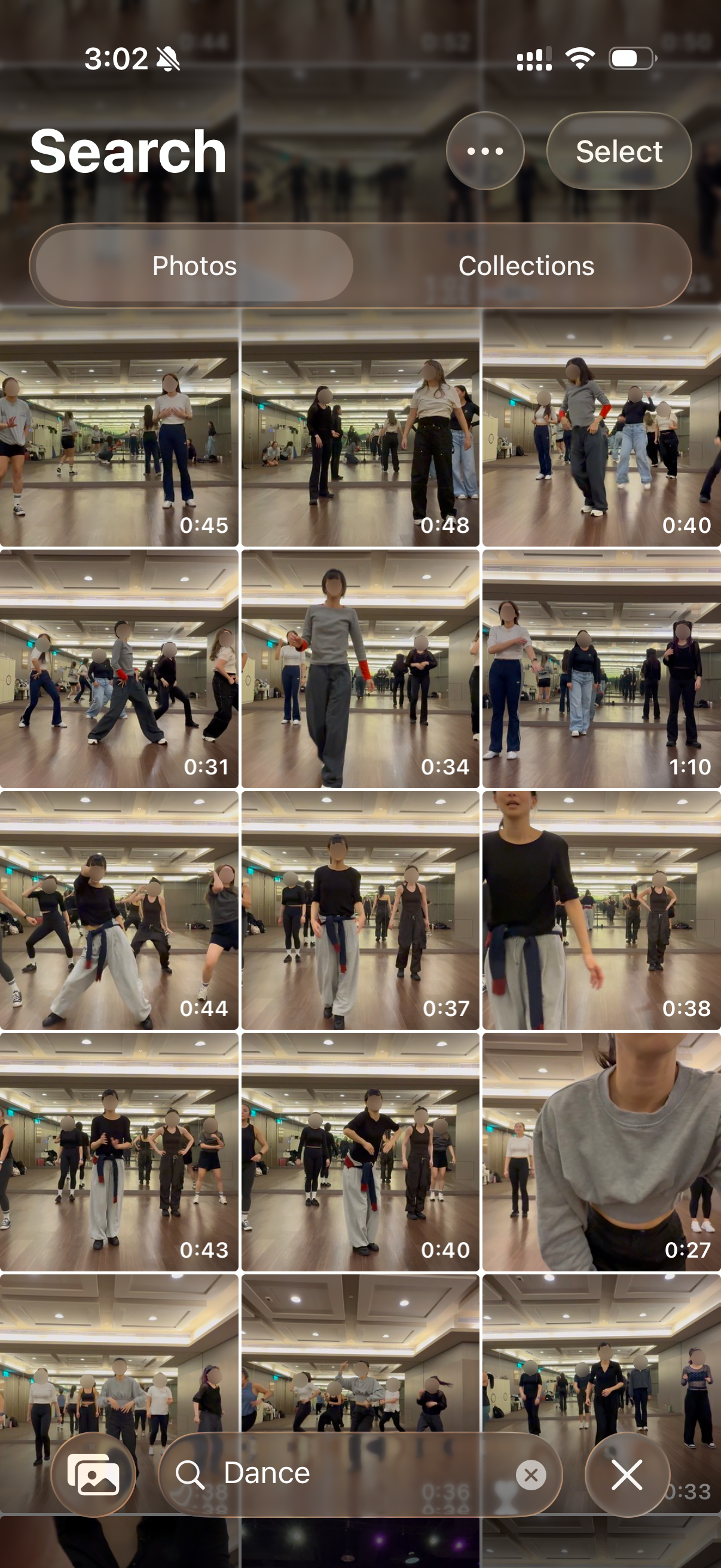
If you're like me, and take regular dance classes at the same studio, you may have a similar photo library that is full of thumbnails that are all just slightly different. The people and the location are the same, maybe my clothes are different. But if you want to find the dance to a specific song, you have to either remember the exact date or start to play the video to see if it is the one you are looking for.
If I were more organized, then maybe I would remember to manually type in a song name as the caption for each video in my library. But I realized there is a better way. I built Reelshelf to use ShazamKit to automatically detect songs in the videos in my photo library. The app organizes my videos by song, making it easy to find later. I then added features that I personally thought would be useful — session details, notes, and custom lists.
— Eileen
JUNE 2026
How it works
STEP 01
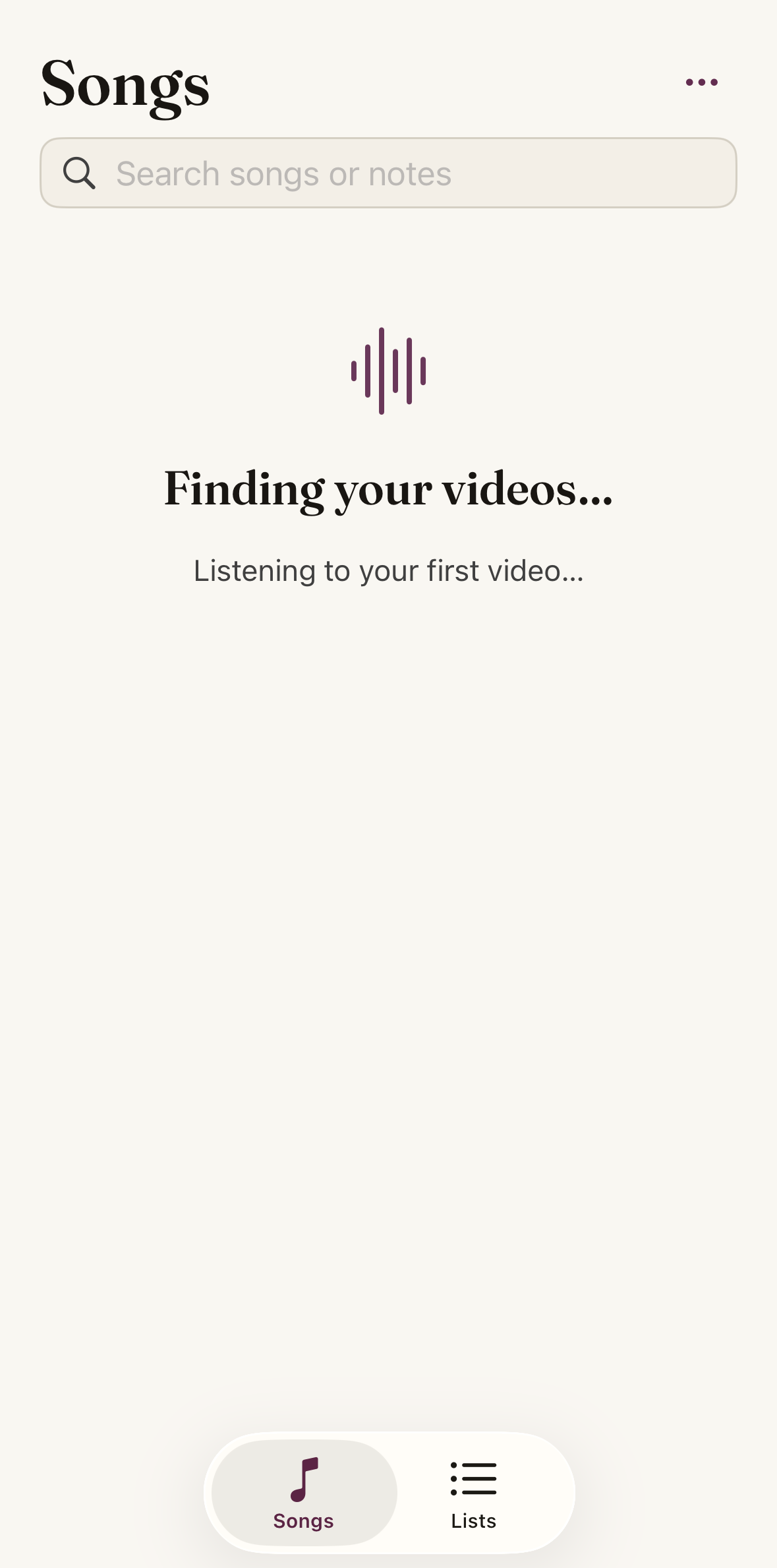
Scan.
Reelshelf scans your existing library to identify videos with songs.
STEP 02
View songs.
Videos are sorted by detected songs.
STEP 03
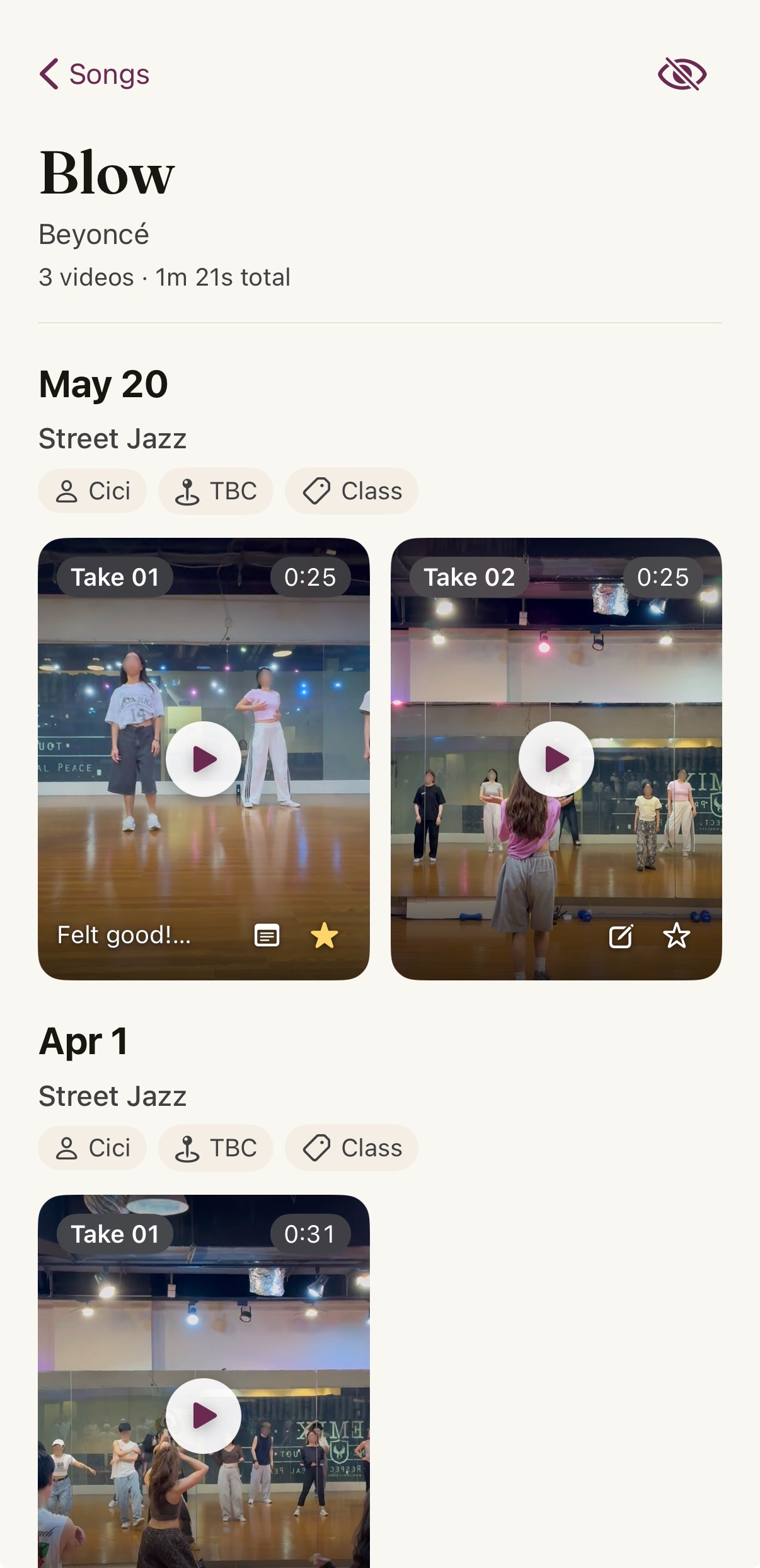
Browse by song.
View every take of the same song. Favorite the ones you like and make notes for future reference.
Auto song tagging
ShazamKit identifies the music in every video of your library.
Manual song tags
For videos that Shazam couldn't identify, tag the correct song yourself.
Shelves view
Browse by song instead of date. Every take of the same song is grouped in the same place.
Search
Conveniently search by song, artist, or any custom details you've added.
On-device processing
ShazamKit runs locally. Your videos never leave your phone.
Free to try
Pro unlocks access to your entire library, and custom lists.