Pregnancy timelines
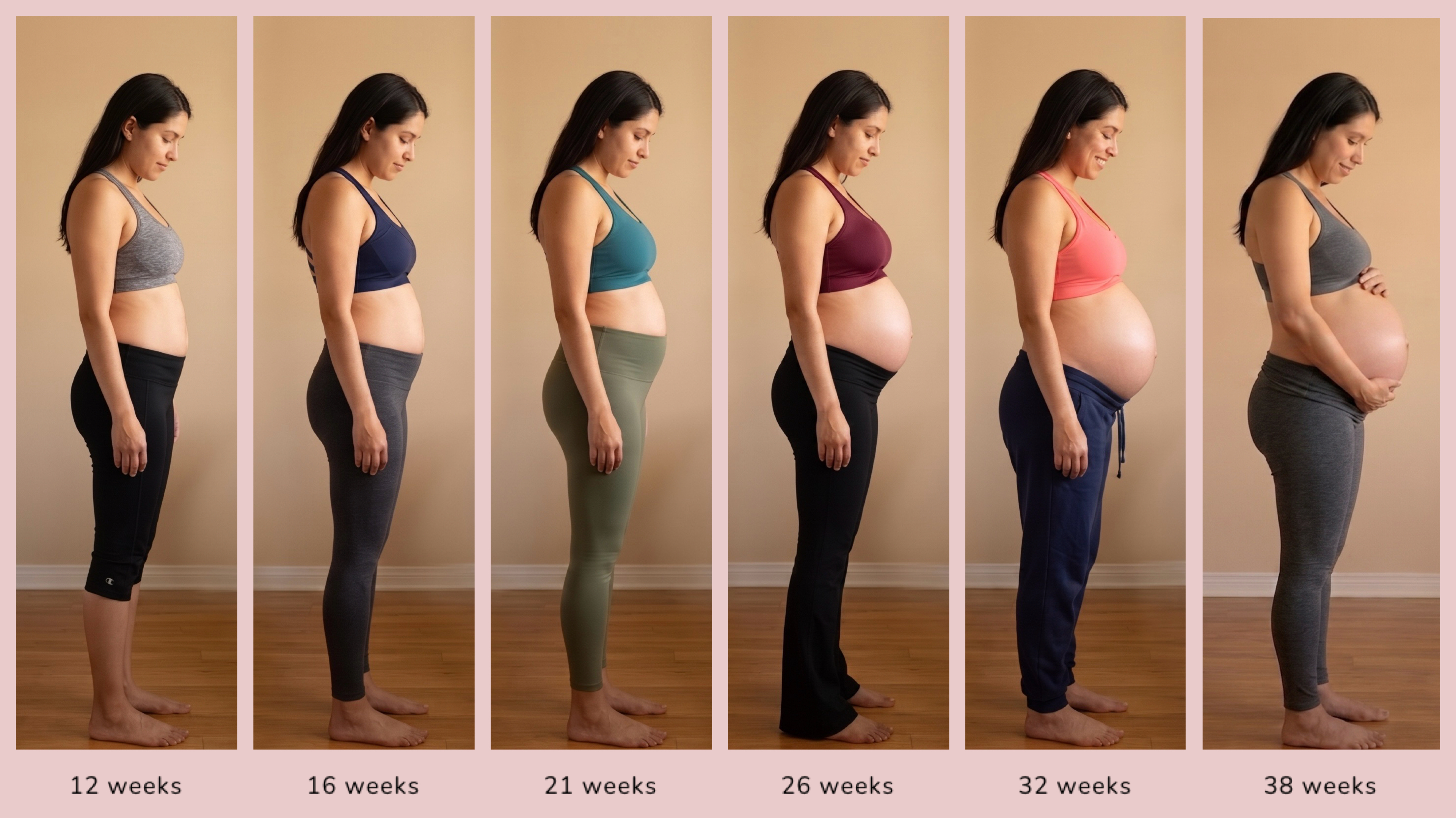
An iOS app by Eileen Ho · BiBi Builds
Apple Vision detects every subject and aligns them at the same scale so you can clearly see what changed. One tap alignment takes away the frustration of manual pinching and panning.

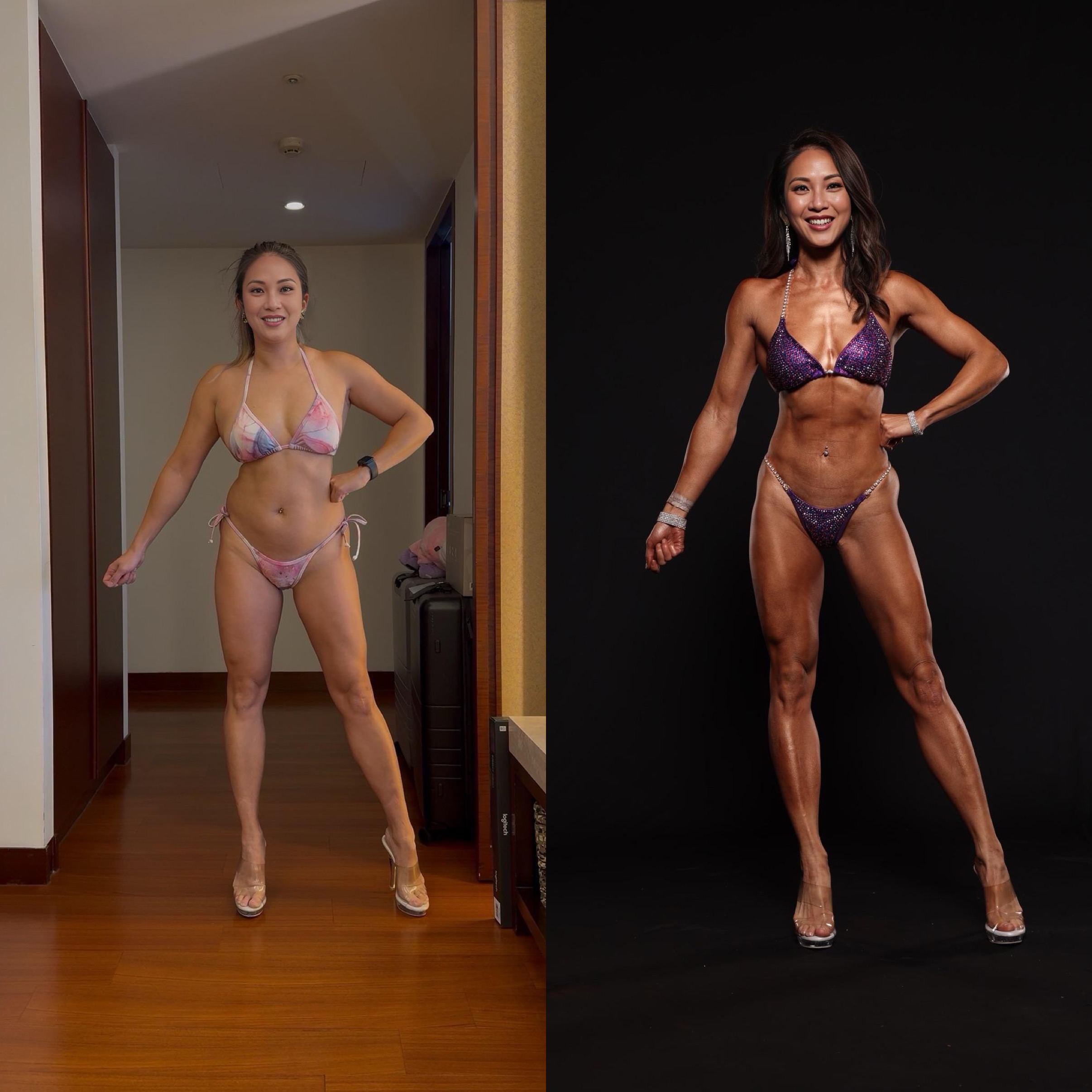
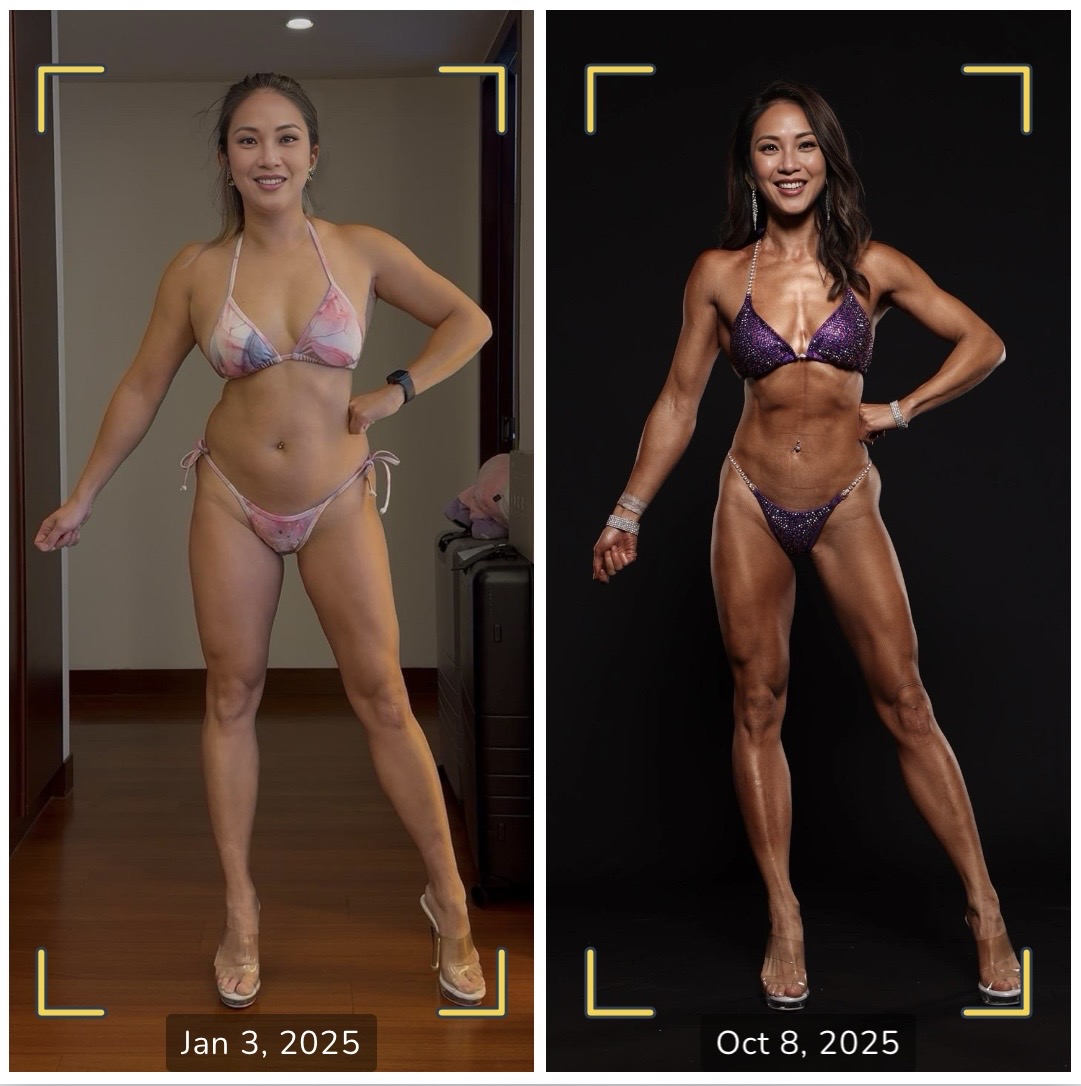
AT A GLANCE
Autoframe is an iOS app by Eileen Ho (BiBi Builds) that uses on-device Apple Vision to auto-align human subjects across progress photos, transformations, and side-by-side comparisons. Every photo is processed on your phone and nothing is uploaded. Launched May 2026 for iPhone. Free to download with an optional Pro upgrade for 4K exports, watermark-free collages, and custom color palettes.
THE STORY
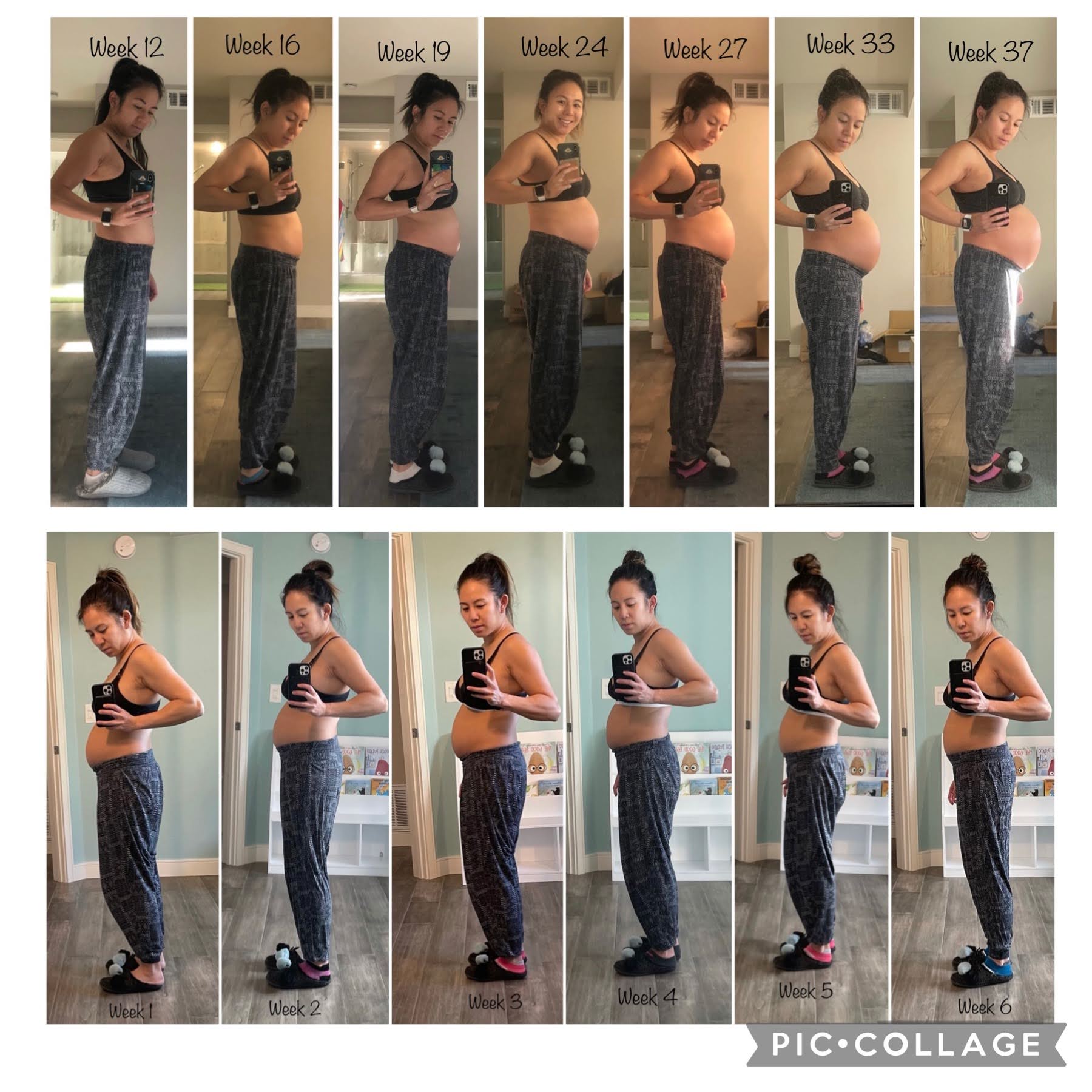
In 2021, I made a collage of my baby bump before and after giving birth. It was such a painful process; I was constantly pinching and zooming, resizing myself and trying to line up the bottom of my shoes.
I had the same experience with my progress photos once I started bodybuilding. I wanted to create simple collages to compare my physique at different stages, but the manual adjustments made the whole thing feel extremely frustrating.
So I finally built Autoframe. Apple Vision detects every human subject and aligns them at the same scale, by body height or face geometry. It all runs on your phone with nothing uploaded.
— Eileen
MAY 2026
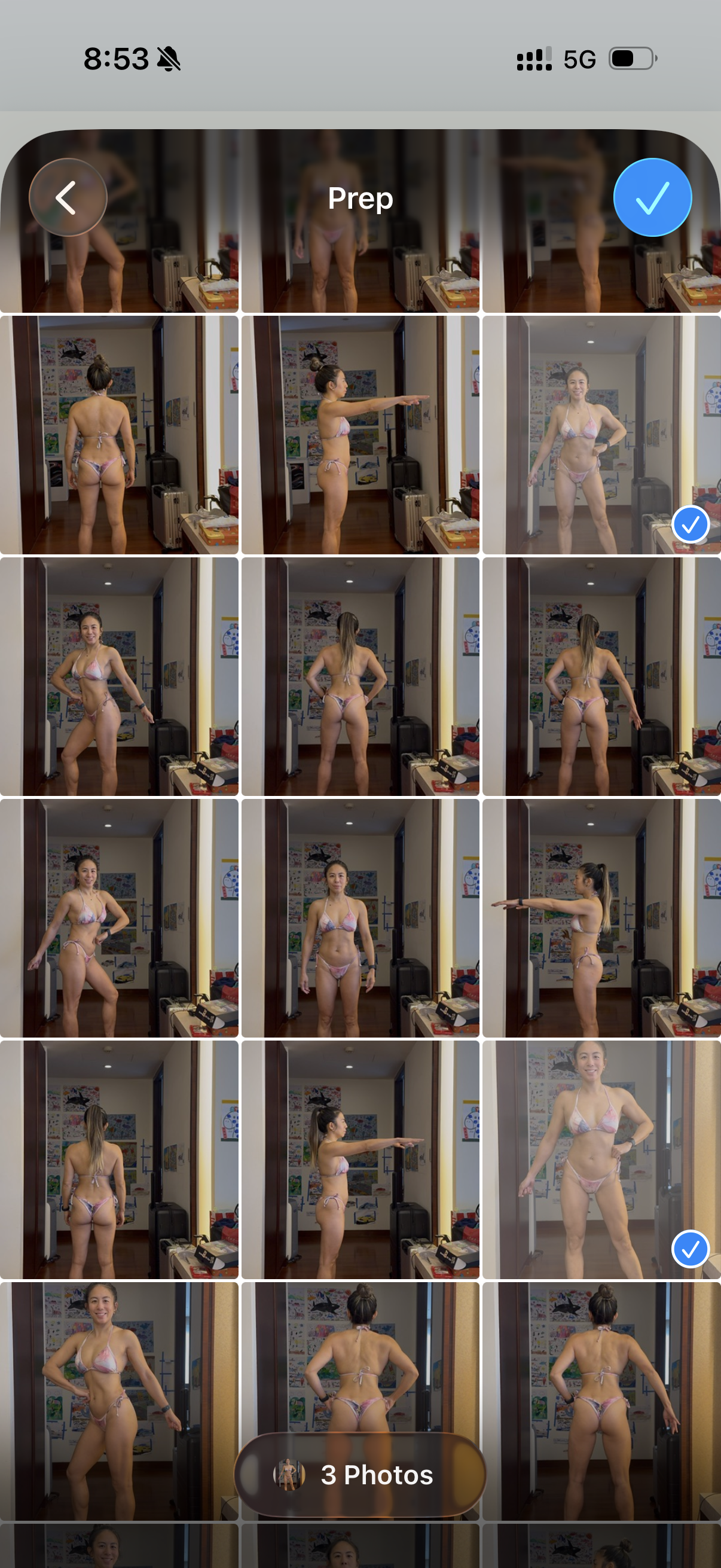
STEP 01
Select up to 6 photos from your library.
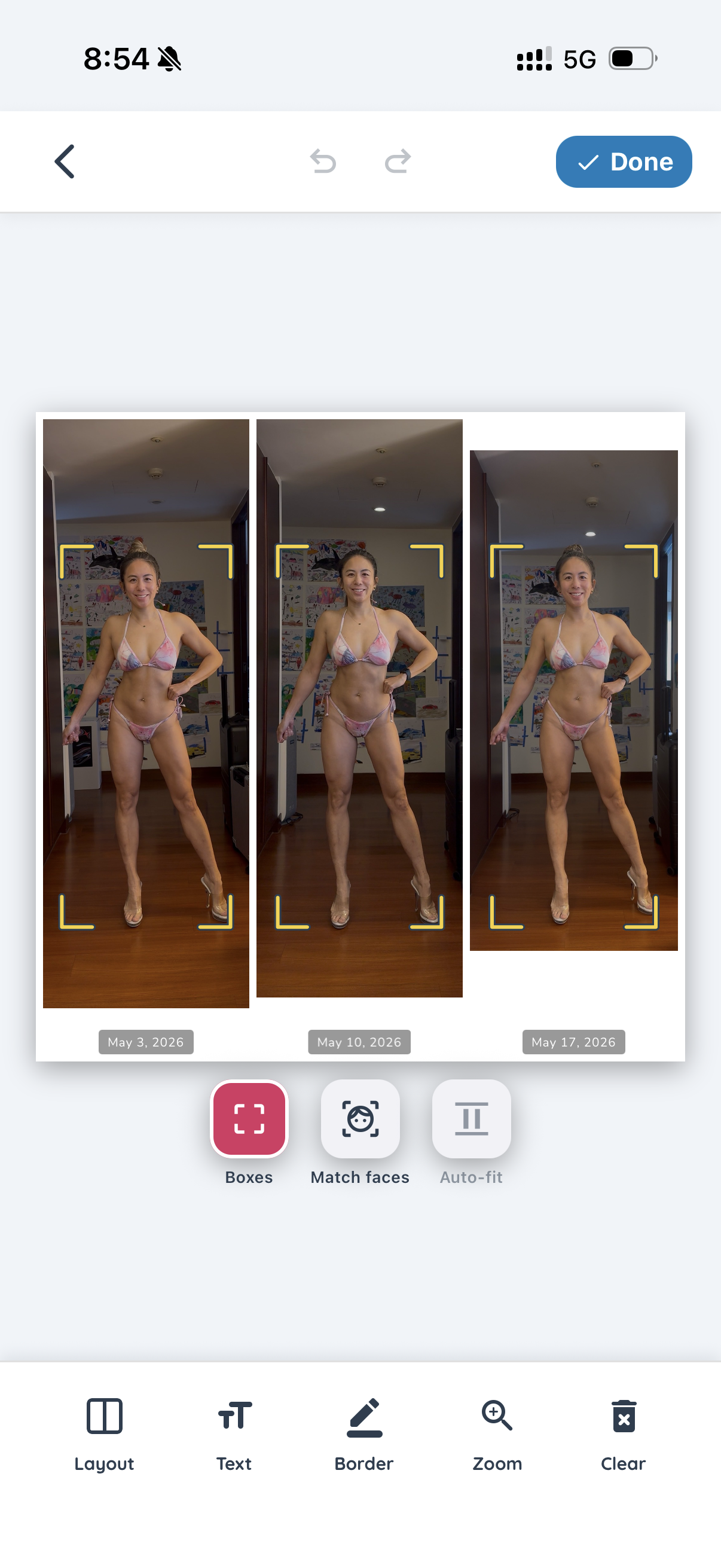
STEP 02
Apple Vision detects subjects and aligns them by body height or face geometry.
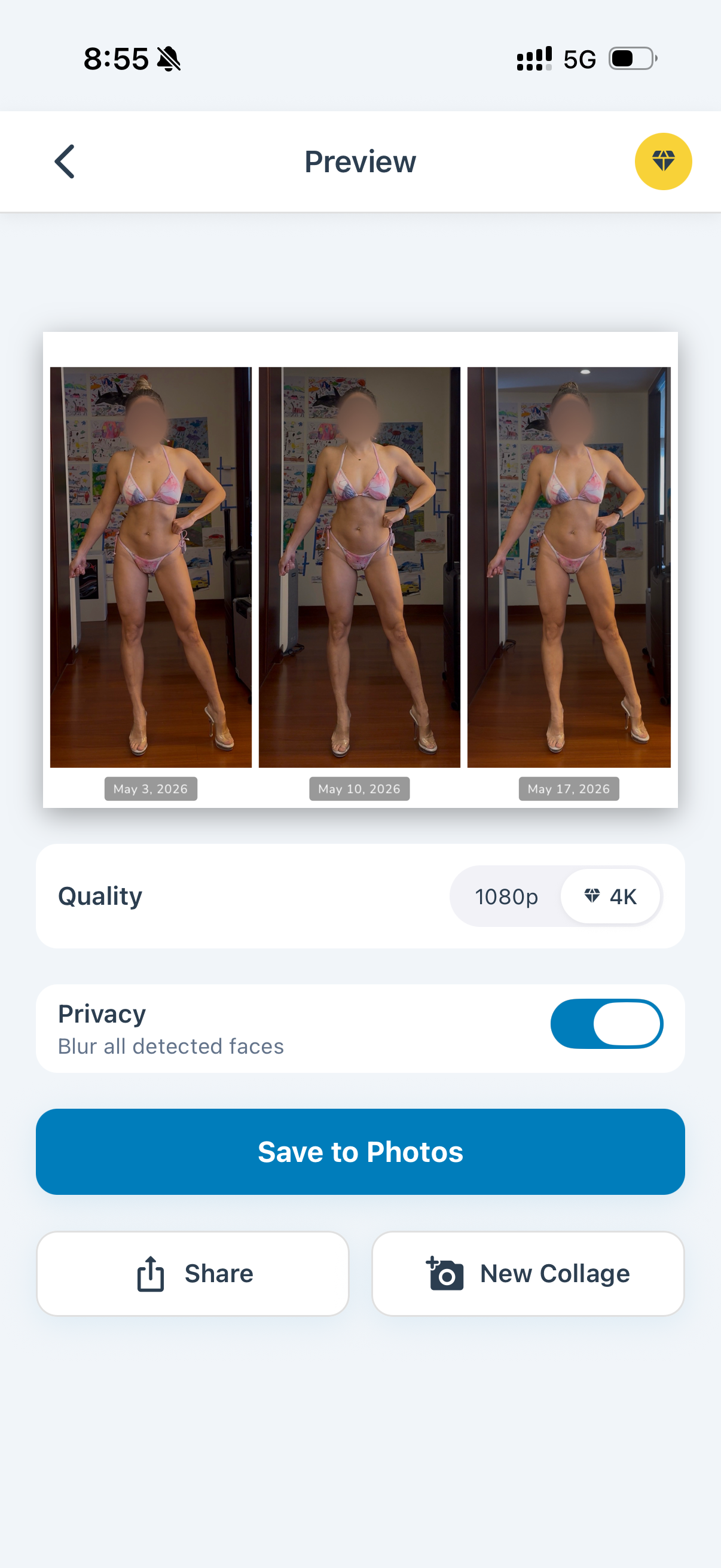
STEP 03
Editable canvas sizes, grids, borders, text overlays. Privacy mode auto-blurs faces.
USE CASES

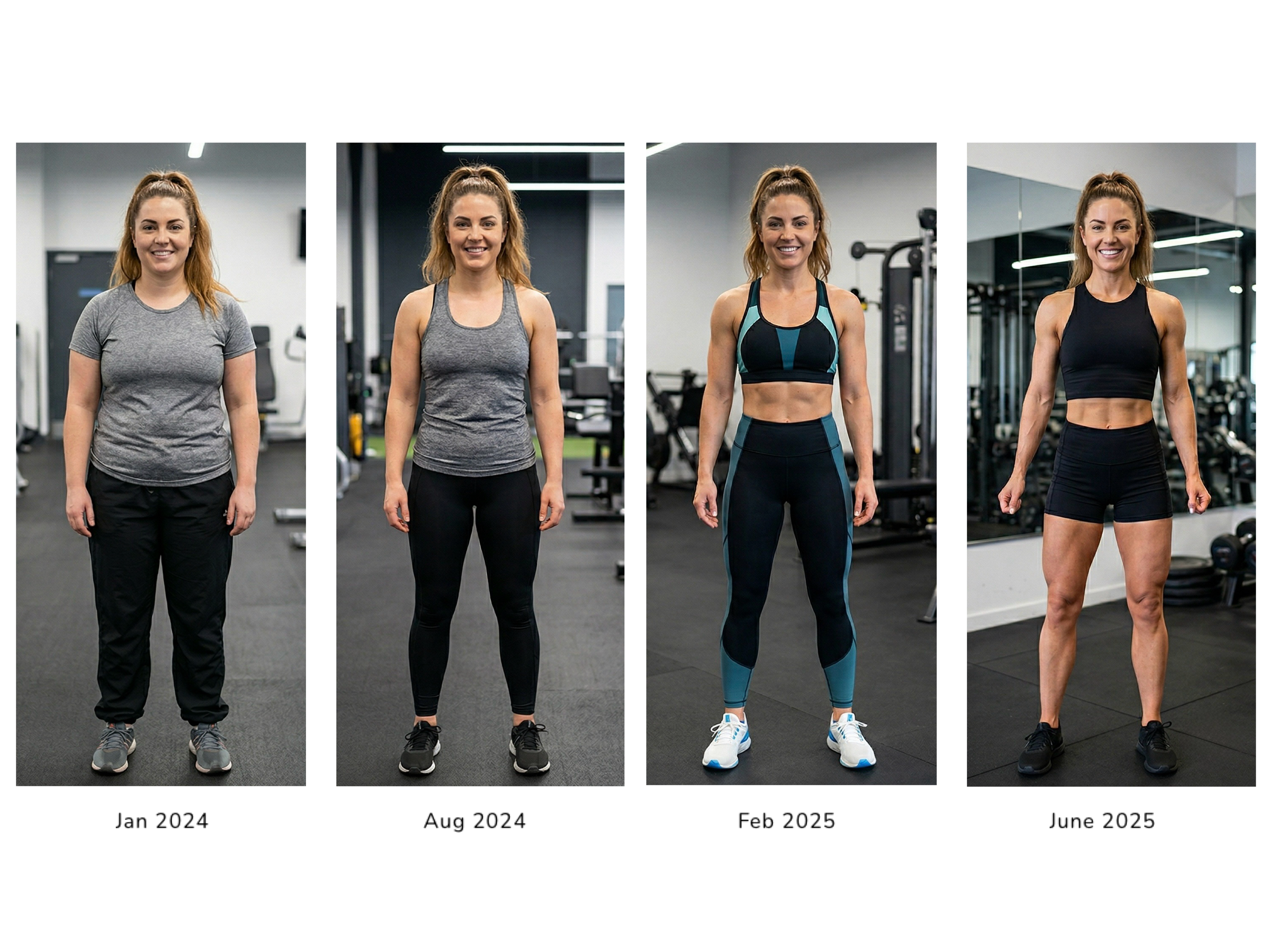
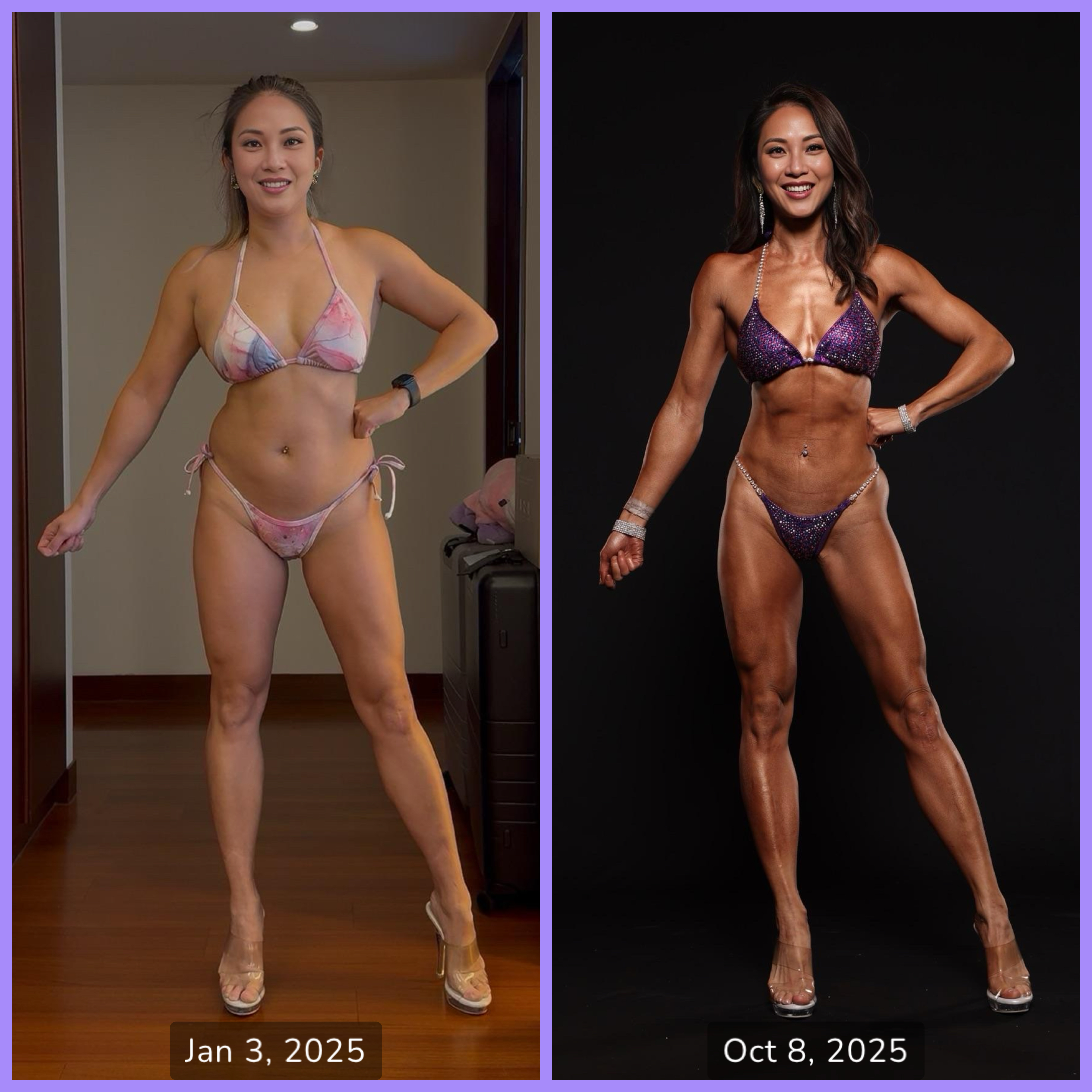

Automatically sizes everyone to the same full-body height across the collage.
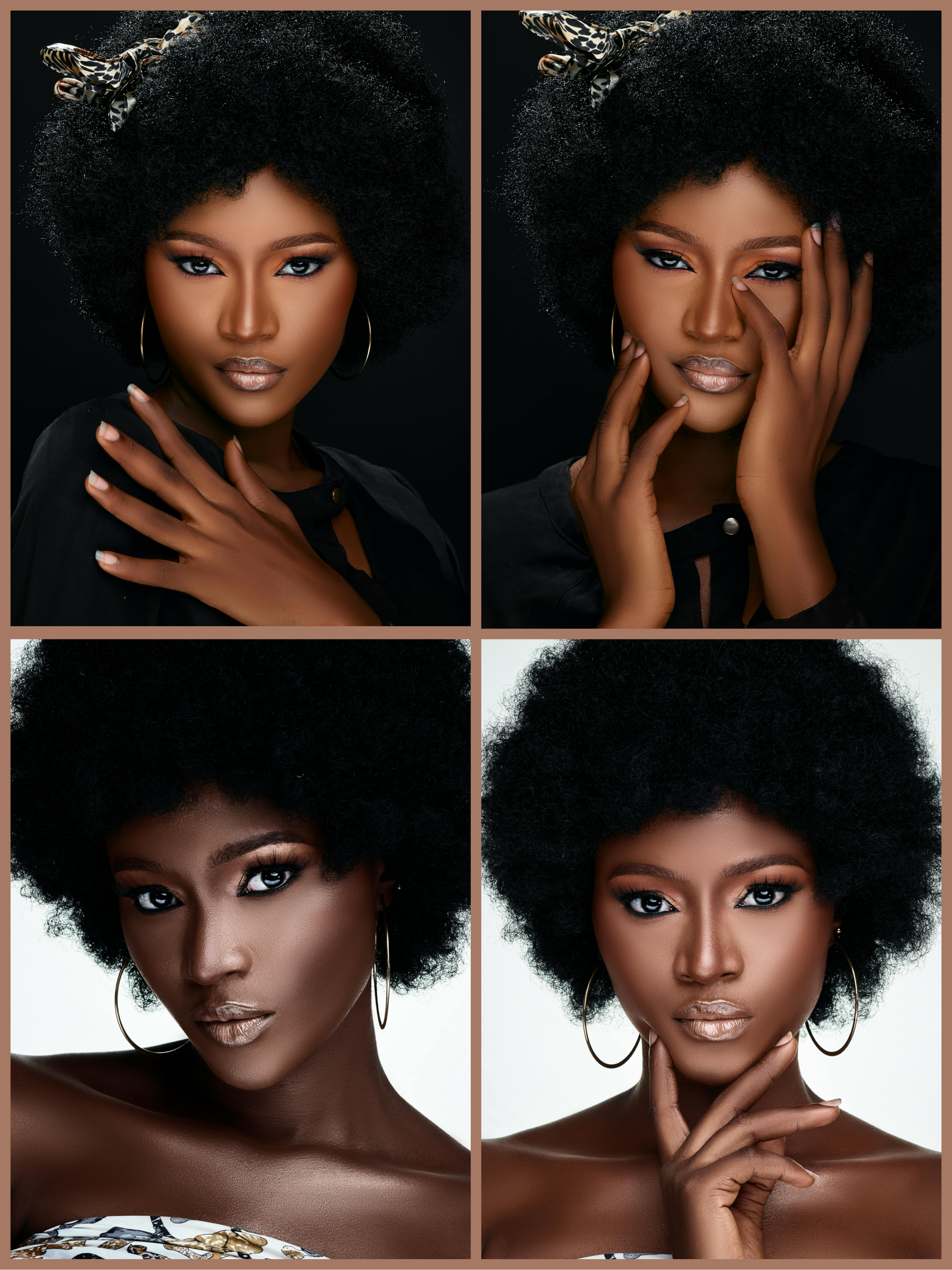
Matches detected faces to identical sizes for portraits, headshots, and hair changes.
Handles multi-person photos with one-tap subject switching.
Auto-blurs every detected face for safe public sharing.
Apple Vision processes everything on-device. Photos never leave your phone.
Pro unlocks 4K exports, watermark-free collages, and custom color palettes.